How to Design a Quilt: Quilt Design Software, Apps and a Design Wall
Every quilt starts as an idea: a color palette, a favorite block, or a stack of fabric you love. Turning that idea into a finished quilt top is the design stage, and quilters today have more ways to do it than ever. This guide covers how to design a quilt step by step, the main types of quilt design software and apps, and why many quilters still finish their planning on a design wall.
How to design a quilt in 6 steps
- Decide the size. Choose the finished size first: baby, throw, twin, queen or king. It sets how many blocks you need and how big each one should be.
- Choose a block or layout. Pick one block repeated across the quilt, a sampler of different blocks, or a layout-led design such as log cabin or half square triangles.
- Pick a color palette. Start with one fabric you love and build around it. Aim for a mix of light, medium and dark values, because value creates the pattern more than color does.
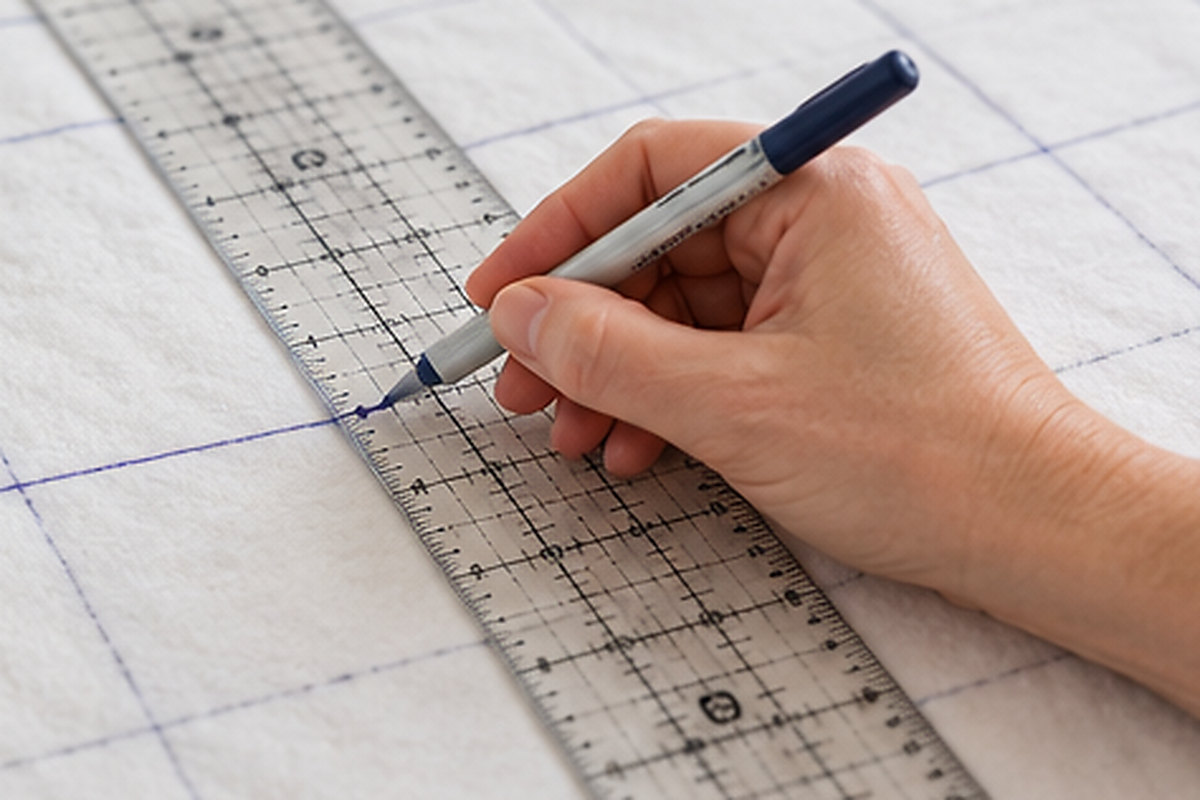
- Sketch or mock up the quilt. Use graph paper, a quilt design app or quilt design software to see the whole quilt before cutting.
- Calculate fabric. Work out how much of each fabric you need, adding a little extra for mistakes and squaring up.
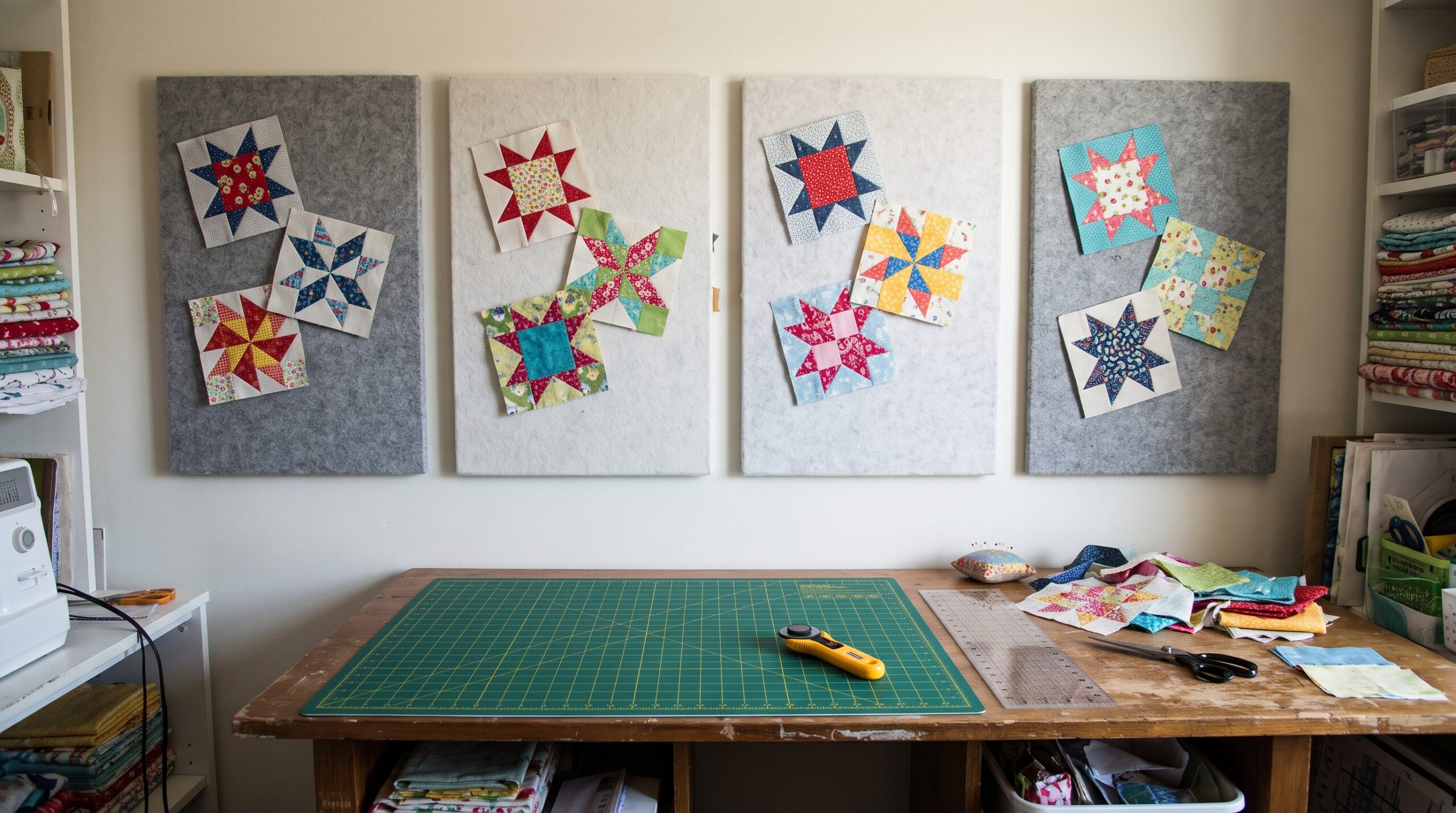
- Audition the real fabric. Cut a few test blocks and put them on a design wall. Real fabric often looks different from a screen, and this is where the final decisions get made.
Quilt design software and apps
Quilt design software lets you draw blocks, drop in fabric colors and see a full mockup of the quilt. Some programs also calculate yardage and print cutting templates. They fall into three main groups.
Desktop quilt design software
Full programs installed on a Windows or Mac computer. Electric Quilt (EQ8) is the best known: it includes a large block library, lets you design your own blocks, and calculates yardage. Desktop software is the most powerful option and suits quilters who design often or sell patterns.
Browser-based quilt planners
Online tools such as PreQuilt run in a web browser, so there is nothing to install. They are quick for trying layouts and color palettes, and many offer free basic tools with paid plans for more features. A browser-based quilt planner is a good middle ground for most hobby quilters.
Quilt design apps for tablets and phones
Quilt design apps, such as Quiltography for iPad, let you sketch and color quilts on a touchscreen. They are handy for planning on the go or at a retreat, though they usually have fewer features than desktop software.
Free ways to mock up a quilt
- Graph paper and colored pencils: the classic method, and still one of the fastest.
- Free quilt planners and coloring sheets: many quilt shops and designers share printable layouts.
- General drawing apps: any app with a grid and fill tool can produce a simple quilt mockup.
Software, apps or a design wall: which to use?
| Tool | Best for | Strengths | Limits |
|---|---|---|---|
| Desktop software | Frequent designers, pattern writers | Block libraries, yardage, printing | Learning curve, paid |
| Browser-based planner | Most hobby quilters | Fast mockups, nothing to install | Fewer advanced tools |
| Tablet or phone app | Planning on the go | Portable, touch-friendly | Smaller screen, fewer features |
| Graph paper | Quick sketches | Free, simple | No fabric preview |
| Design wall | Final layout with real fabric | True colors, real blocks, easy to rearrange | Needs wall space |
Why you still need a design wall
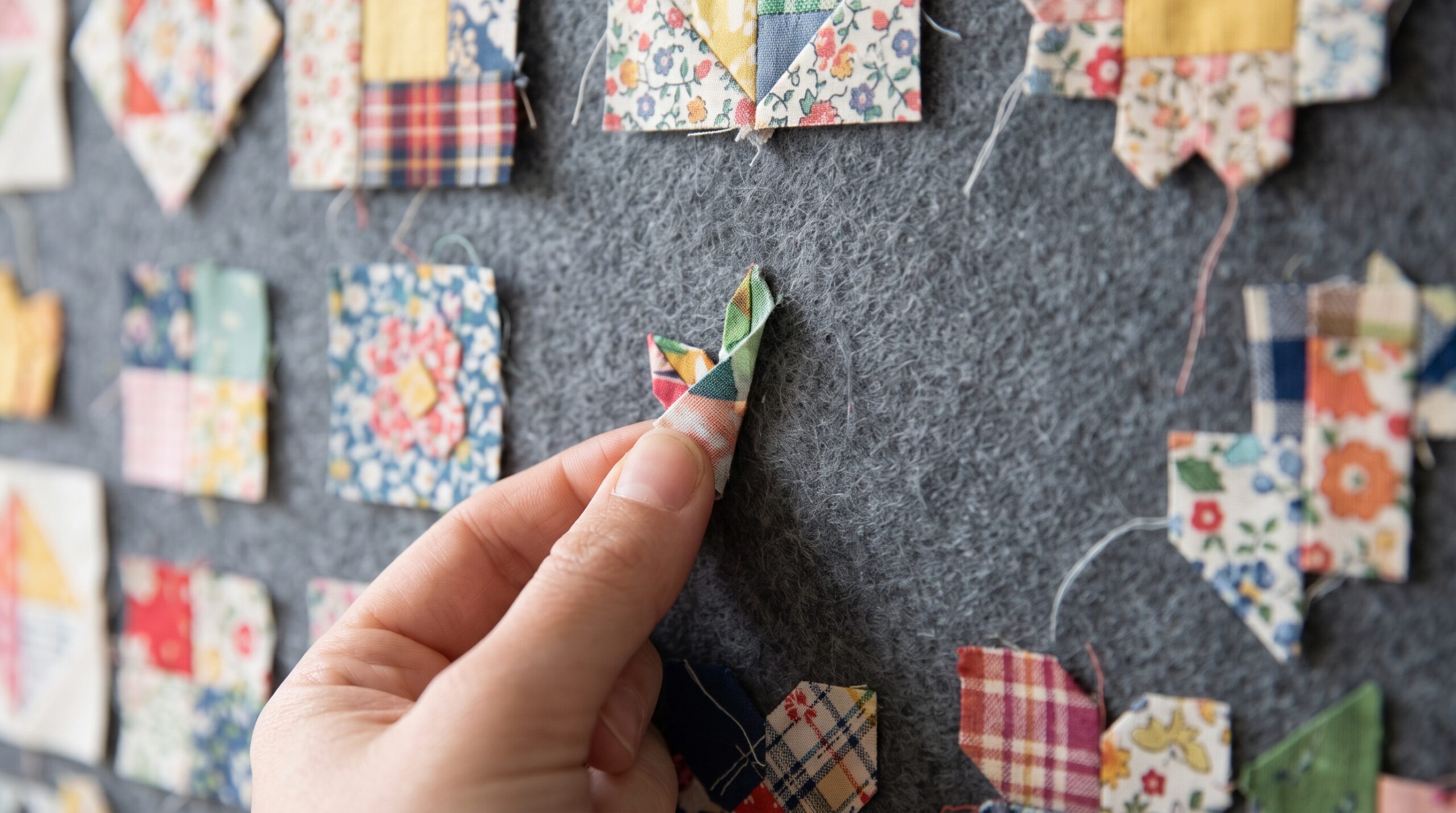
Quilt design software is excellent for the early stages, but a screen cannot show exactly how real fabric looks. Prints read differently at full size, colors shift under your sewing room light, and a block that looked balanced in a mockup can suddenly look too busy.
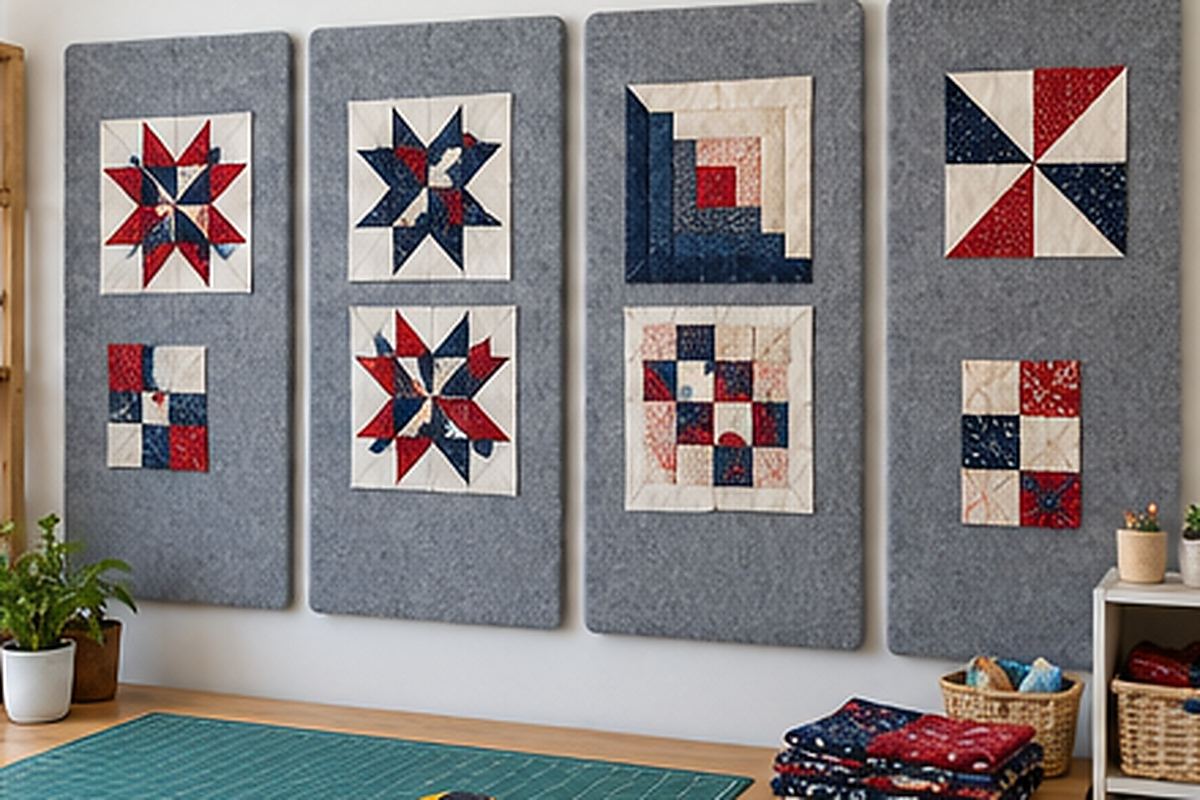
That is why most quilters use both: software to plan, and a quilt design wall to finish. With blocks on the wall, you can:
- See true colors under the light you will actually live with.
- Rearrange blocks in seconds to balance color and value across the quilt.
- Spot problems early, such as a block turned the wrong way or two similar fabrics side by side.
- Audition borders and sashing before you cut them.
For larger quilts, the large quilt design wall gives you room for a full layout, and quilt design wall tiles suit small sewing rooms. For layout ideas to try, see our guide to log cabin quilt layouts.
Quilt design ideas to get started
- One block, many layouts: make a set of log cabin or half square triangle blocks and try several arrangements.
- Two-color quilt: one print and one solid give a crisp, modern look.
- Scrappy quilt: use up your stash, with one consistent background fabric to tie it together.
- Gradient quilt: arrange blocks from light to dark across the quilt.
- Sampler quilt: one of each block you want to learn, set with sashing.
Frequently asked questions
What is the best quilt design software?
Electric Quilt (EQ8) is the most complete desktop program. For quick mockups, a browser-based quilt planner is easier to start with. The best choice depends on how often you design and whether you need yardage and printing tools.
Is there free quilt design software?
Yes. Several online quilt planners offer free basic tools, and graph paper or any drawing app with a grid can produce a simple mockup at no cost.
How do I design my own quilt pattern?
Decide the quilt size, choose a block or layout, pick a palette with light, medium and dark values, sketch the quilt, calculate fabric, then audition test blocks on a design wall before cutting everything.
Do I need a design wall if I use quilt design software?
Software shows the plan, but real fabric often looks different. A design wall lets you check true colors and rearrange real blocks before sewing, so most quilters use both.
How do I choose colors for a quilt?
Start with one fabric you love and pull colors from it. Include light, medium and dark values, because value contrast is what makes the pattern show.
Tags